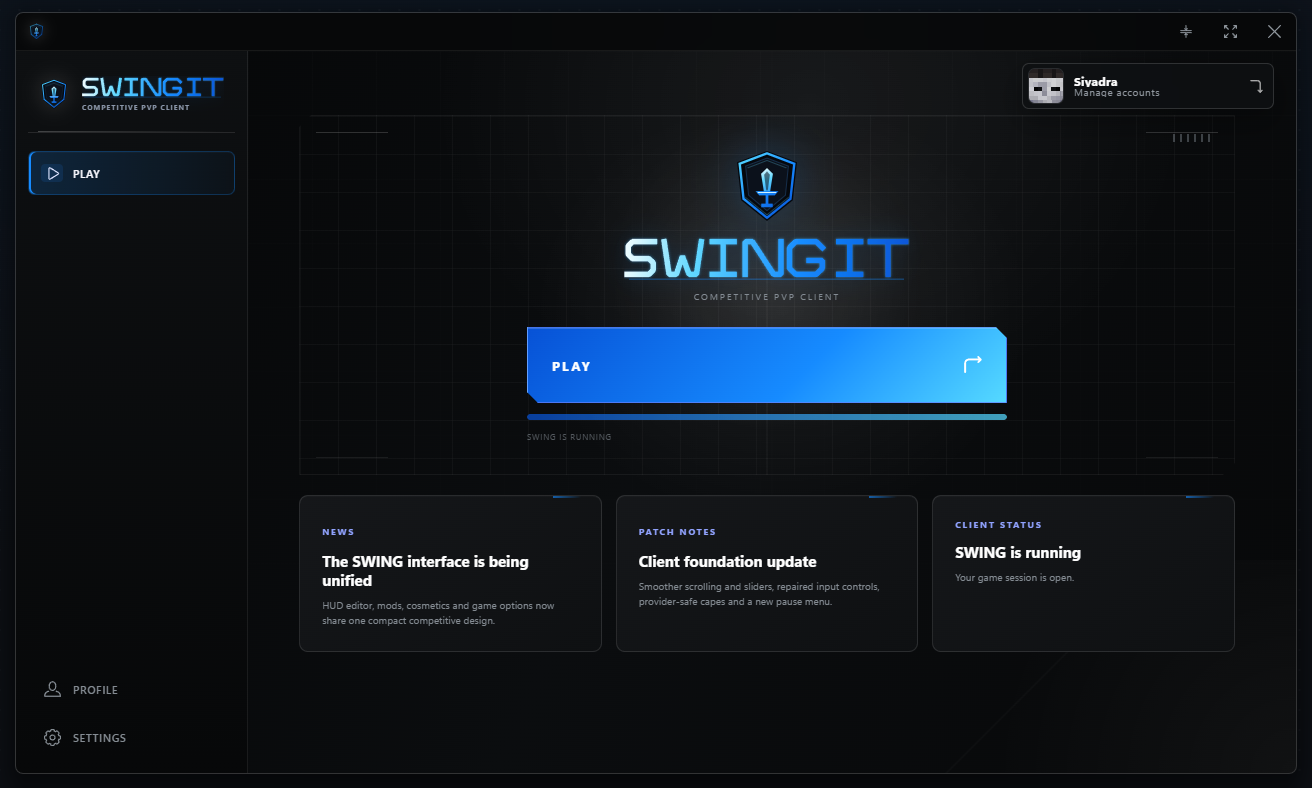
Meet your new client.
Get Swing Client. Make Minecraft yours.
LET'S GET YOU SET UP
Installation
Installation
instructions.
A few simple steps, then you're ready to play.
- STEP 01
Download the launcher
Save the Windows installer and wait for the download to finish.
- STEP 02
Run the installer
Open the downloaded file and follow the installation steps.
- STEP 03
Sign in. Hit Play.
Open Swing, sign in with your Microsoft account and launch the game.
Download for Windows
Need a hand? Visit the FAQ
Checking download availability...