Made for the way you play.
Your familiar game, with a setup that feels like yours.
Build a HUD around your playstyle.
Save different module setups as profiles. Switch between your everyday settings and a PvP setup with Pot Counter, Armor Status, Potion Effects, CPS and Keystrokes.

Browse without leaving Minecraft.
Open sites inside the game window. Use tabs, the address bar and back, forward and reload controls to switch between pages.

Organize your pack library in-game.
Sort packs into folders, mark favorites and browse the Online Library. Filter installed packs by resolution and drag active packs to change their priority.

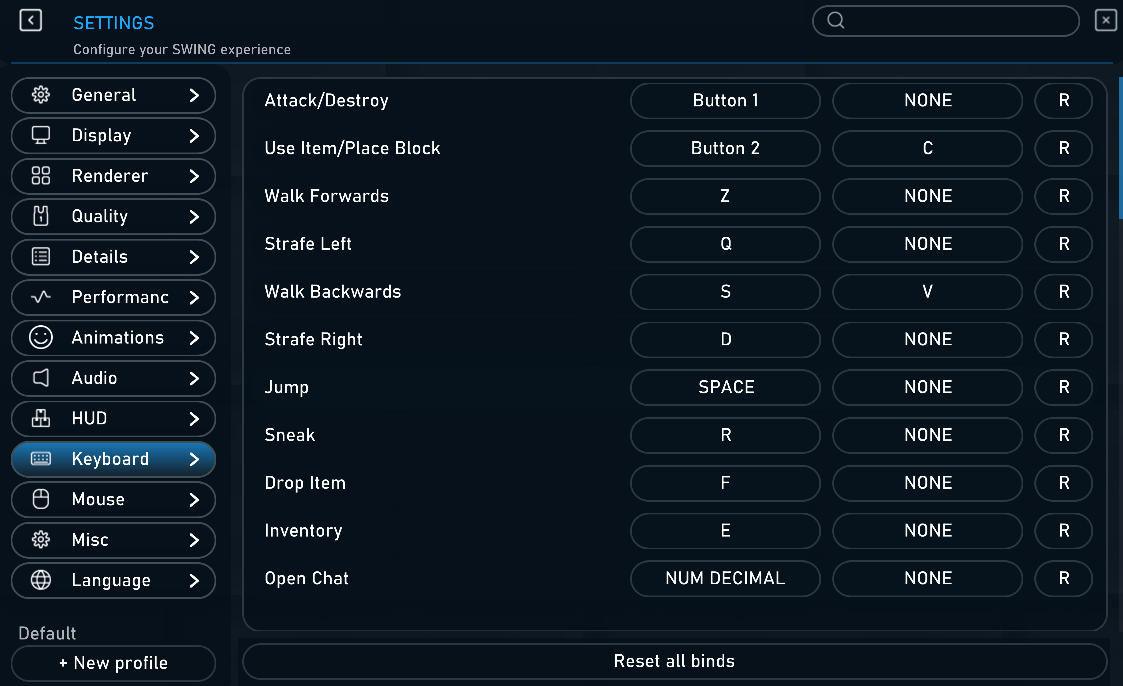
Tune the client to how you play.
Use dedicated settings panels for display, renderer, audio, HUD, keyboard and mouse. Set horizontal and vertical sensitivity independently and assign two keys to one action.
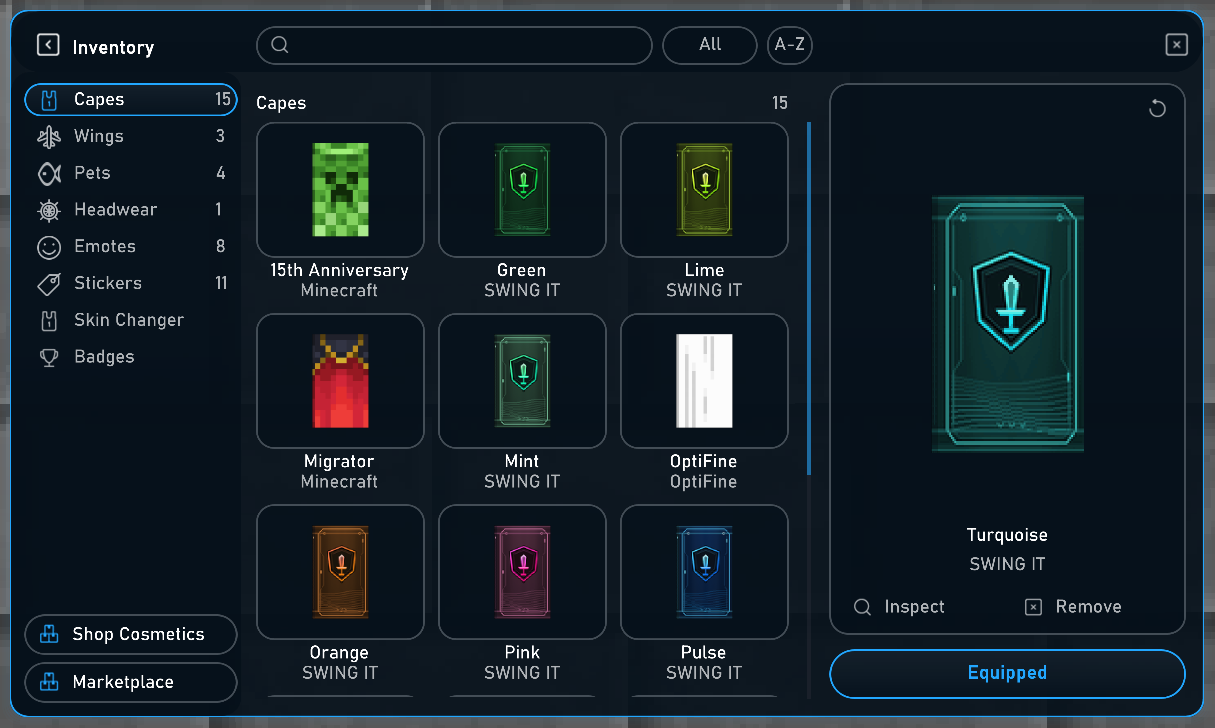
Your collection, all in one place.
Browse capes, wings, pets and headwear. Personalize capes with stickers, use the emote wheel in-game and change your skin from the client.
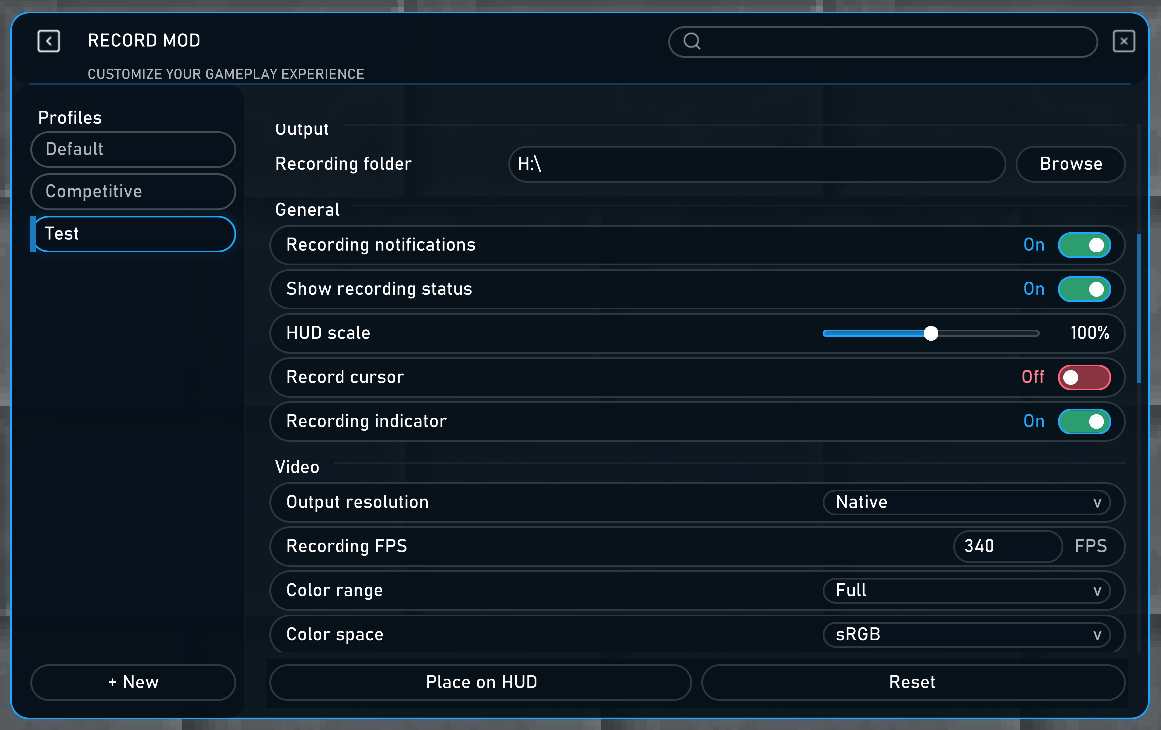
Keep the moments worth replaying.
Record your gameplay from inside Swing. Choose your recording folder, set your output resolution and FPS, and customize the recording indicator. Find your saved videos in the Gallery.
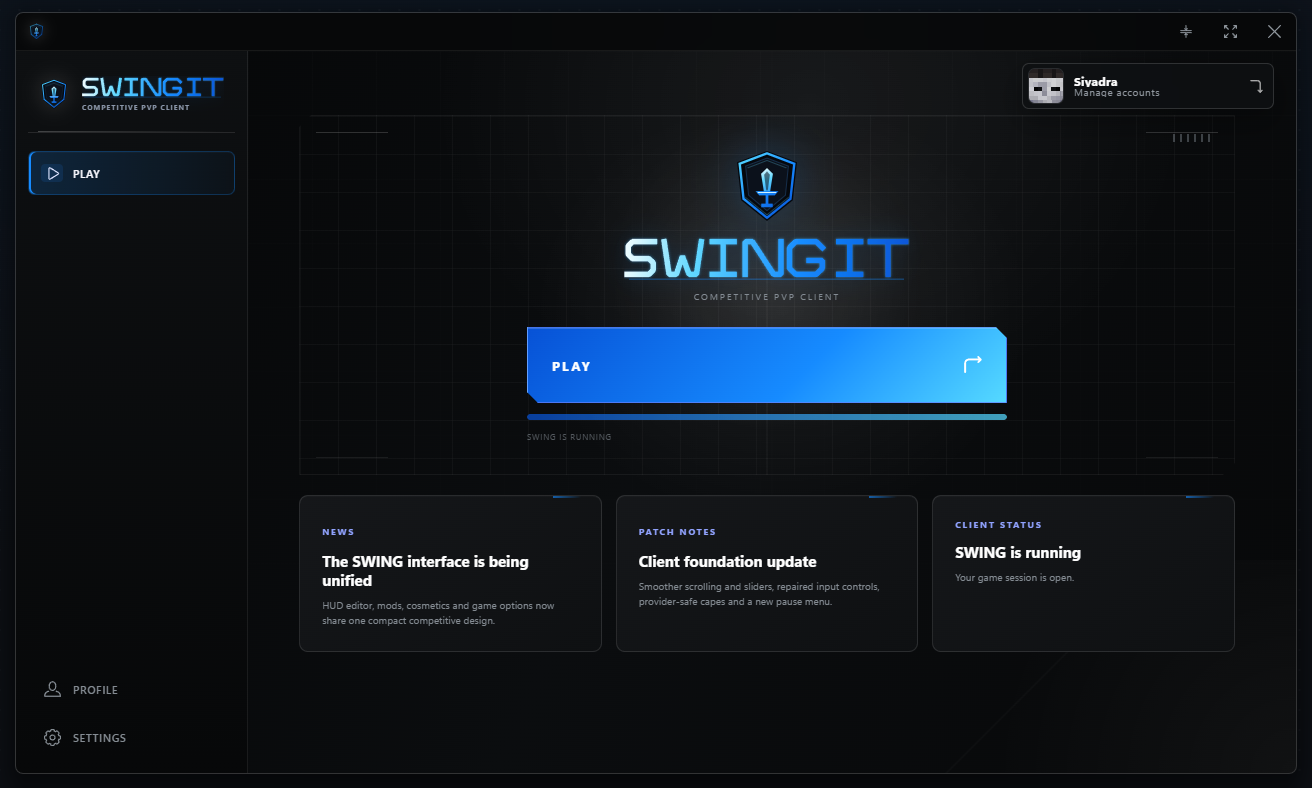
Your next session starts here.
Launch Swing, manage your accounts and access your profile and settings from one place.